A phone can replace a lost or inconvenient TV remote when the television and phone support the same control method. Most setups use the TV’s official app over the same Wi-Fi network, while some older TVs rely on infrared hardware or a separate streaming-device app. The exact steps vary by brand and operating system.
Before you begin
Turn on the TV, make sure the phone is connected to the same network, and install the official companion app when one is available. If the TV is offline or still waiting for initial setup, the phone may not discover it. Avoid unofficial remote apps that request more permissions than the task requires.
Connect through the TV brand’s app
Open the manufacturer’s app, allow it to scan for nearby devices, and select the correct TV. The TV may display a pairing code that you must confirm on the phone. Give the app time to finish pairing before testing navigation, volume, input selection, and the keyboard. Keep both devices on the same local network while pairing.
Use the streaming-device remote
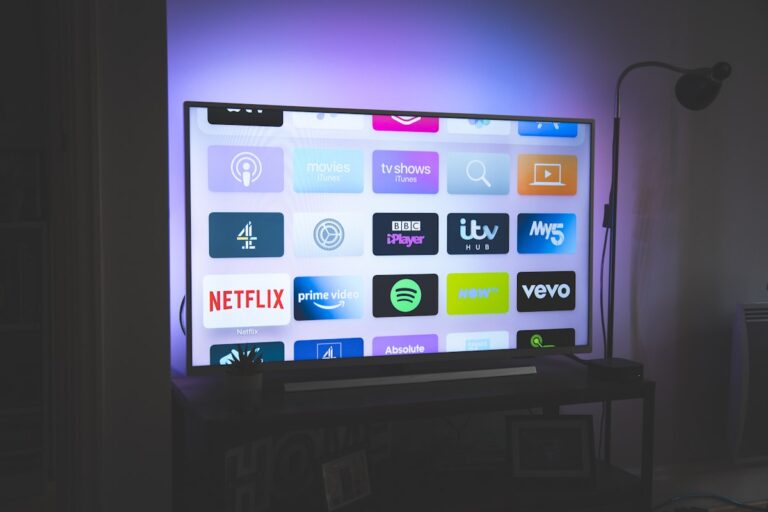
If you watch through a Roku, Fire TV, Apple TV, Google TV, or another streamer, use that platform’s official app instead of the TV manufacturer’s app. The phone controls the streamer, which then controls the display through HDMI. This is useful when the TV’s own smart interface is not the device you use for everyday viewing.
If the TV is not found
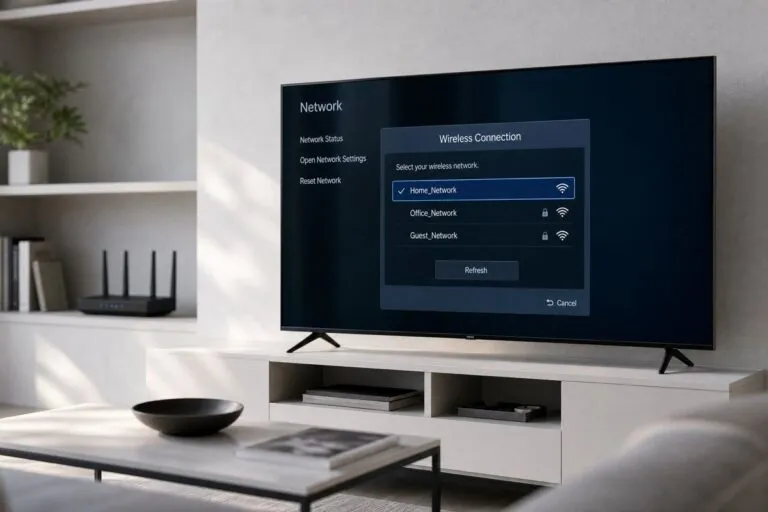
- Confirm that the phone and TV are on the same Wi-Fi network and not isolated guest networks.
- Restart the app, TV, and router before pairing again.
- Check whether the TV needs permission to accept mobile control.
- Disable VPN or network filters temporarily if they block local discovery.
- Use the physical buttons or original remote to complete network setup when necessary.
Privacy and reliability
Use official apps from the TV or streaming-device maker and review permissions before installation. A phone remote is convenient, but it depends on a charged phone, a working network, and the app’s continued support. Keep a basic physical remote available for network changes, factory resets, and troubleshooting.
Bottom line
Phone control works best when the TV and phone share a normal home network and the correct official app is used. Identify whether you need to control the TV or the attached streaming device, pair it with the displayed code, and troubleshoot network discovery before reinstalling everything.
Related Reading: Why Is My Smart TV Not Connecting To WiFi