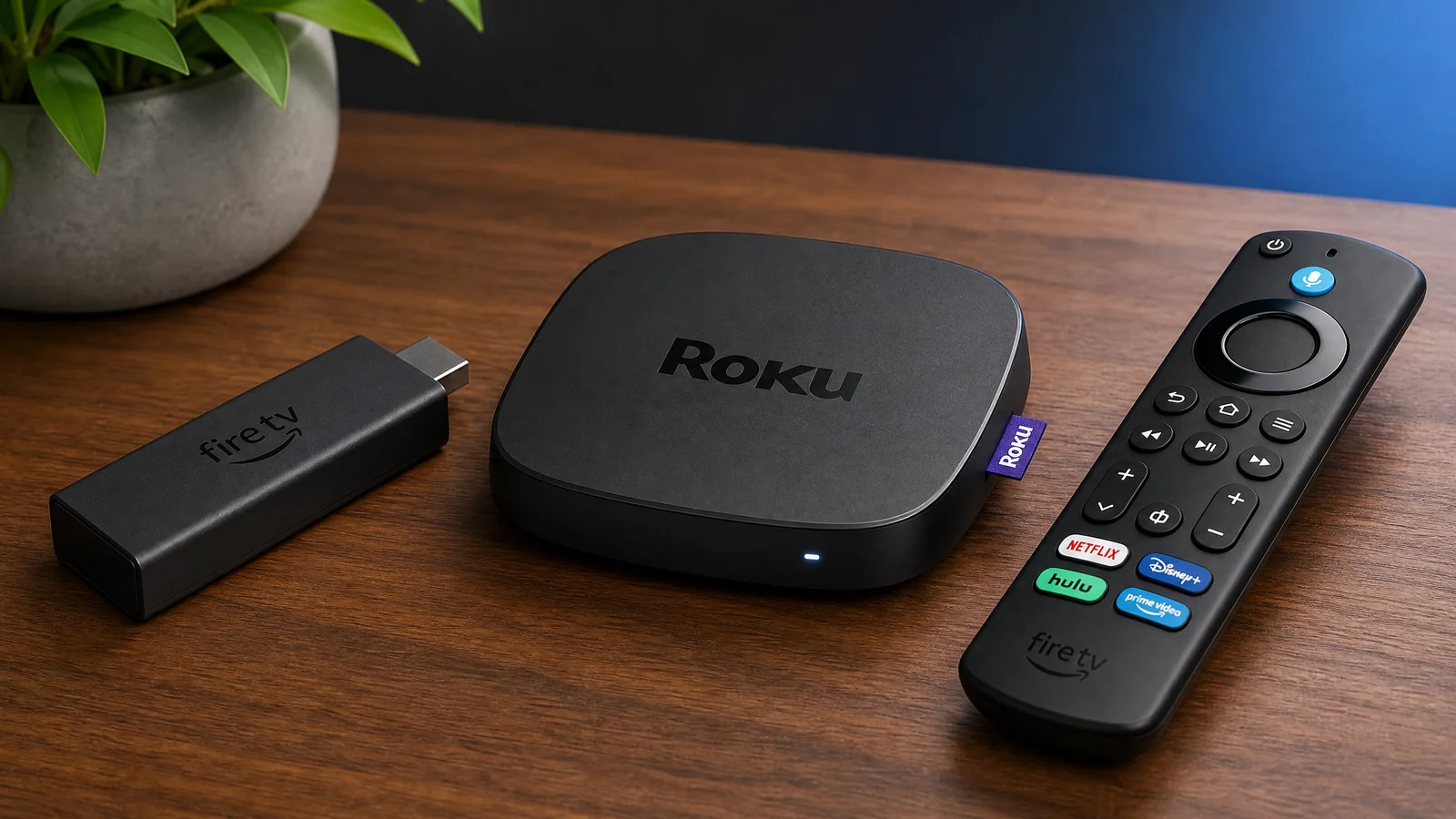
An external streaming device can make an older TV feel more useful by replacing an outdated app platform while leaving the display itself in place. It cannot repair a failing panel or add modern picture quality, but it can provide a newer interface, current app support, voice search, and a more responsive experience when the TV’s built-in software is the weak point.
What to check before buying
Confirm the TV’s HDMI inputs, available power, resolution, Wi-Fi coverage, and audio connections. A 4K streamer is appropriate only when the TV and content support 4K; an older 1080p television may need a simpler device. If the TV uses an unusual input or lacks a spare HDMI port, plan the adapter or switch before ordering.
Match the device to your use
- Simple streaming: choose a platform with the services and remote layout your household understands.
- Voice search: verify the language, microphone, privacy controls, and whether voice features work in your region.
- Gaming: a streamer is not a substitute for a console; check controller support and cloud-gaming compatibility separately.
- Travel or spare room: small size and easy account sign-out may matter more than advanced picture modes.
Picture and sound limitations
The streamer can output a format only when the TV, HDMI cable, app, and subscription support it. Older TVs may not accept HDR, 4K, or newer audio formats even if the device advertises them. Connect a soundbar or receiver according to the TV’s ARC/eARC and optical capabilities, then test lip-sync and volume control.
Network and privacy
Streaming quality still depends on the home network. Place the device where it can maintain a stable connection, update its software, and avoid installing unknown apps. Review account permissions and enable a device PIN where available, especially when the streamer is used by children or guests.
When an upgrade is not enough
If the TV has failing backlights, HDMI faults, severe input lag, or a damaged panel, a new streamer will not solve the underlying problem. Compare the cost of the device, adapters, and a replacement remote with the age and condition of the display.
Bottom line
A streaming device is a practical bridge for an older TV when the screen and inputs remain useful. Select it for the apps, resolution, audio path, network, and controls you actually need, and treat compatibility as a complete chain rather than a single product label.
Related Reading: HDMI ARC vs eARC