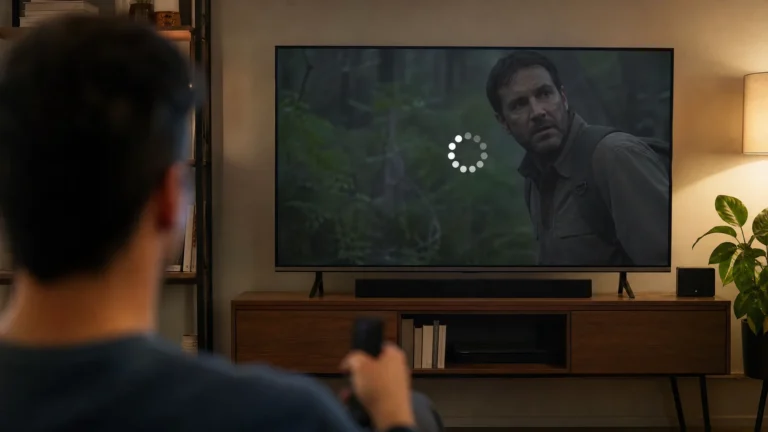
A flickering TV screen can be caused by a loose connection, an incompatible signal, a software problem, a failing source device, or a hardware fault. The most useful first step is to find out whether the flicker appears on the TV menu, one HDMI source, or only one streaming app.
Identify the pattern
Open the TV’s built-in menu or home screen. If the menu also flickers, the problem is probably inside the TV or its power path. If the menu is stable but one HDMI source flickers, test that source, cable, and input separately. If only one app flickers, update or reinstall the app and compare another title.
Check power and connections
Make sure the power cable is firmly seated and avoid using a damaged extension or loose outlet. Disconnect HDMI devices, reconnect one source at a time, and verify that the cable is fully inserted. A cable or port can be stable at one resolution and unreliable at another, so note whether the issue begins only when HDR or a high refresh mode is enabled.
Test the signal settings
Temporarily lower the source resolution or refresh rate. If the flicker stops, the source, cable, port, or signal mode may not be handling the original combination reliably. Use the TV’s enhanced HDMI mode only when the device and cable support the required bandwidth, and do not assume every HDMI input has identical capabilities.
Restart and update
Power off the TV and source, unplug them briefly, reconnect the cable, and start the TV again. Check for firmware updates on the TV and source device. If the issue began after changing picture settings, restore the previous preset before considering a broader reset.
When the panel may be at fault
Persistent flicker across the TV menu, multiple sources, and different cables points away from a single app or HDMI device. Record a short example, note when it occurs, and contact the manufacturer or service provider. Do not open the TV or continue using it if there is a burning smell, unusual heat, or visible electrical damage.
Quick checklist
- Test the home menu.
- Try one known-good source and cable.
- Check power and HDMI seating.
- Lower resolution or refresh rate temporarily.
- Update firmware and affected apps.
- Escalate if every source and menu flicker.
Related Reading: How to Clean Your Smart TV Screen Without Damaging It