HDMI problems can appear as a blank screen, “no signal,” intermittent dropouts, missing sound, or a device that works only at a lower resolution. The safest fix is to isolate one part of the chain at a time: source device, cable, TV input, and video settings.
Start with a simple isolation test
Confirm that the TV is on the correct HDMI input and that the source device is awake. Disconnect other HDMI devices temporarily, then connect the source directly to the TV. Try a different input and a different known-good cable. If the same source works on another TV, the original TV input or its settings deserve attention.
Check cable and port limits
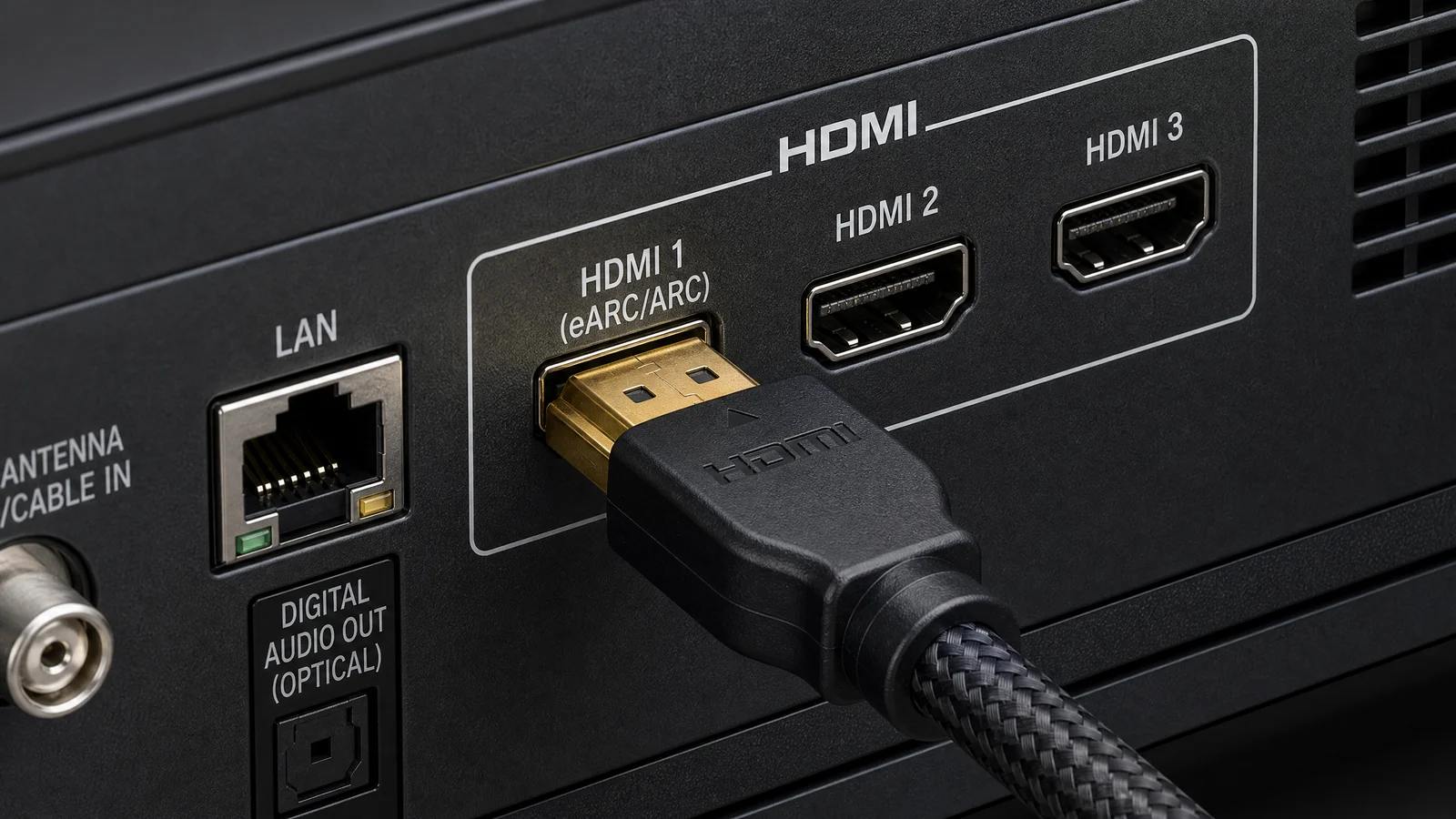
Use a cable rated for the resolution, refresh rate, HDR mode, and features you intend to pass. A cable that works for 1080p may not be reliable for 4K at a higher frame rate. Inspect the connectors for damage and avoid sharp bends. Do not assume that every HDMI port on a TV supports the same bandwidth or gaming features.
Fix picture or sound separately
If the picture works but sound does not, check the source audio output, TV speakers, ARC/eARC routing, and mute states. If the TV shows a picture only after lowering the resolution or refresh rate, the problem may be bandwidth, a port setting, or a device compatibility limit. Restore settings gradually after identifying a stable signal.
Restart and update
Power off both devices, unplug them briefly, reconnect the HDMI cable firmly, and start the TV before the source when practical. Check for firmware updates on the TV, source, and receiver. Updates can change compatibility, so record your current settings before applying a reset or update.
When HDMI-CEC causes confusion
CEC lets devices control power and input switching, but different manufacturers implement it differently. If the TV keeps changing inputs or waking another device, disable CEC temporarily to identify whether it is involved. Re-enable it later only after the connection is stable and the desired device-control behavior is clear.
When to stop troubleshooting
If one port remains dead with several known-good sources and cables, or if the connector is physically loose, the issue may require manufacturer service. Avoid forcing the plug or repeatedly hot-swapping damaged equipment. A working port with a lower supported mode is a useful temporary workaround, not proof that the full HDMI path is healthy.
Related Reading: How to Clean Your Smart TV Screen Without Damaging It