TV Remote Not Working? How to Fix It (Batteries, IR, Bluetooth)
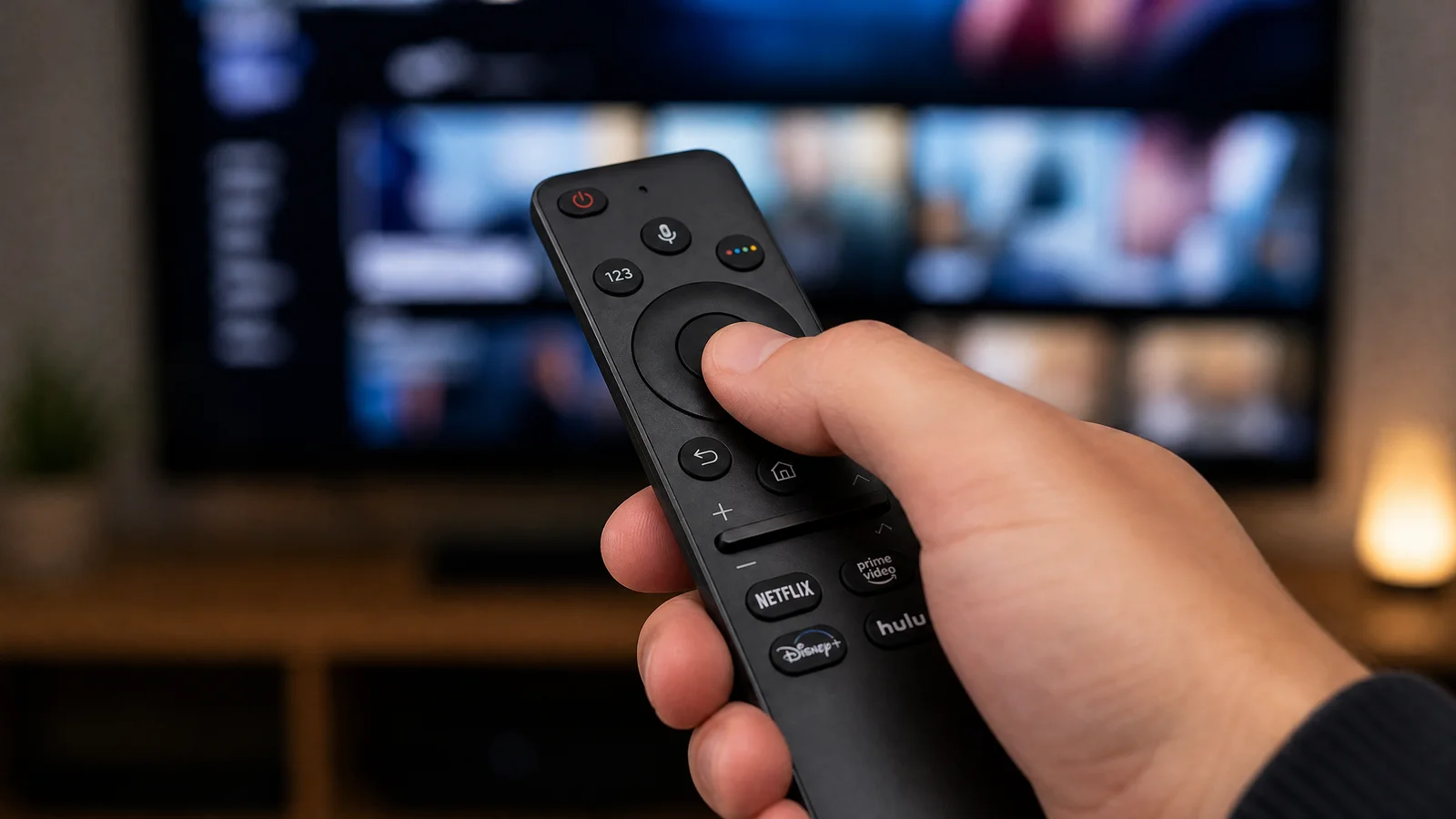
A dead remote is one of the most common and maddening TV problems. Before you call support or buy a new remote, work through this checklist — it covers batteries, IR checks, Bluetooth pairing, resets, phone-app fallbacks, universal remotes, and when replacement is the right call.
Start with batteries (first and easiest)
Most remote failures are battery-related. Follow these quick, practical checks first.
- Replace batteries with fresh ones. Use new alkaline AA/AAA (or the specified cell) rather than old ones pulled from other devices.
- Check orientation. It sounds obvious, but reverse polarity is a frequent culprit.
- If you use rechargeable NiMH cells (1.2 V nominal), they generally work fine with modern remotes, but older remotes designed for 1.5 V alkalines can become unreliable near end of life. Try a fresh alkaline set to confirm.
- Inspect battery contacts for corrosion or dirt. Clean corroded contacts with a cotton swab and a little isopropyl alcohol; scrape gently with a small flat tool if there’s white/green buildup.
- Test with a known-good battery set from another working device. That quickly rules out suspect cells.
- For remotes with built‑in rechargeable batteries (common on many premium smart remotes), ensure the remote is charged. If it won’t hold a charge, the internal battery may have failed and require manufacturer service.
If replacing and cleaning batteries fixes it, stop here. If not, move on.
IR test with a phone camera
Most basic remotes use infrared (IR). You can test the IR LED cheaply using a phone camera.
How to test:
1. Open your phone camera (front-facing or rear — try both if the first doesn’t show anything).
2. Switch to video mode (still photo sometimes auto-filters IR).
3. Point the remote at the camera lens and press and hold a button (like volume or power).
4. Watch the camera screen for a flashing purple/white light at the remote’s emitter end.
What the results mean:
- You see a light: the remote’s IR LED is working. The problem may be the TV receiver, line-of-sight, or the remote and TV are different signal types.
- No light: could be an IR failure — but first confirm the remote actually uses IR. Many streaming-stick remotes and modern smart remotes use Bluetooth or RF, which won’t produce an IR flash.
- Weak or intermittent flash: the LED or battery power may be weak.
Also check the TV’s IR receiver (the small dark window on the TV). Clean it and ensure nothing is blocking it. Some TVs hide the IR eye or use side/under bezel locations—consult the TV manual or use a phone camera to see where the TV detects IR by pressing the remote while another person watches the TV’s response.
Re-pair Bluetooth and RF (proprietary) remotes
Many modern remotes (Apple/Android TV, Roku voice remotes, some Editorial Policy page.
This article was written and reviewed by the SmartTechTVs editorial team. Read our About