Vizio SmartCast is Vizio’s smart-TV platform for finding apps, streaming content, adjusting picture settings, and controlling compatible devices. It can be convenient, but the experience depends on the TV model, software version, region, and whether you use the built-in apps or an external streamer.
What SmartCast is designed to do
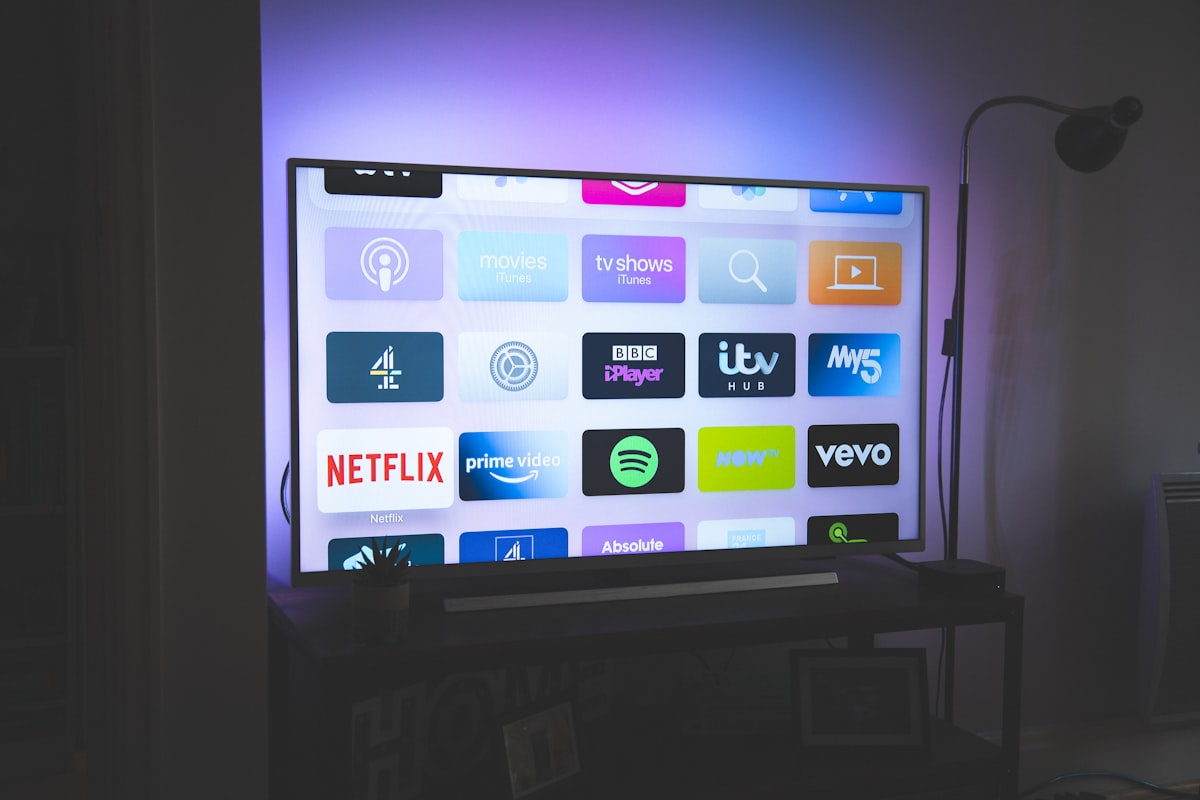
SmartCast puts the main TV controls and supported streaming services in one interface. Depending on the model, users may also cast content from a phone or tablet, use voice controls, and connect the TV to compatible smart-home products. The exact menu layout and available services are not identical across every Vizio generation, so check the specifications and current software on the model you own.
Where SmartCast works well
- Simple access to streaming: the home screen is designed to surface apps and content without requiring a separate device for basic viewing.
- Casting flexibility: supported phones and apps can send video to the TV, which is useful when the mobile app is easier to search.
- Picture and input controls: users can switch inputs and adjust common picture options from the same environment.
- Lower setup complexity: a viewer who mainly watches mainstream streaming services may not need an additional streaming box.
Limitations to consider
Smart TV platforms can feel slower or less flexible than a dedicated streaming device as the TV ages. App availability can change, and a service may work differently on the TV app than on a current Roku, Fire TV, Apple TV, or Google TV device. Casting also depends on the phone, app, network, and TV supporting the same method.
Vizio models can differ in processing power, panel features, remote design, and update support. Treat SmartCast as one part of the purchase rather than assuming that every Vizio TV offers the same experience. If you already own the TV and only one app is unreliable, test the network and update or reinstall that app before blaming the whole platform.
SmartCast or an external streamer?
Use the built-in platform when the interface is responsive, the apps you need are available, and you prefer fewer devices. An external streamer makes more sense when you want a different app library, faster navigation, longer software support, or a remote that integrates better with other equipment. It will not improve a weak panel, but it can bypass an aging smart-TV interface.
Bottom line
SmartCast is a practical starting point for Vizio owners who want built-in streaming and casting. Its main strengths are convenience and integration; its main risks are model-to-model variation, changing app support, and the possibility that an older TV will feel slower over time. Compare the exact model’s inputs, supported services, update history, and picture performance before treating SmartCast as the deciding factor.
FAQ
Can I use a Vizio TV without SmartCast?
Yes. You can use HDMI devices, an antenna where supported, or another compatible source. The available functions depend on the TV model.
Is SmartCast the same on every Vizio TV?
No. Features and menus can vary by model generation, firmware, region, and connected services.
Related Reading: Samsung vs LG: The Ultimate Smart TV OS Battle