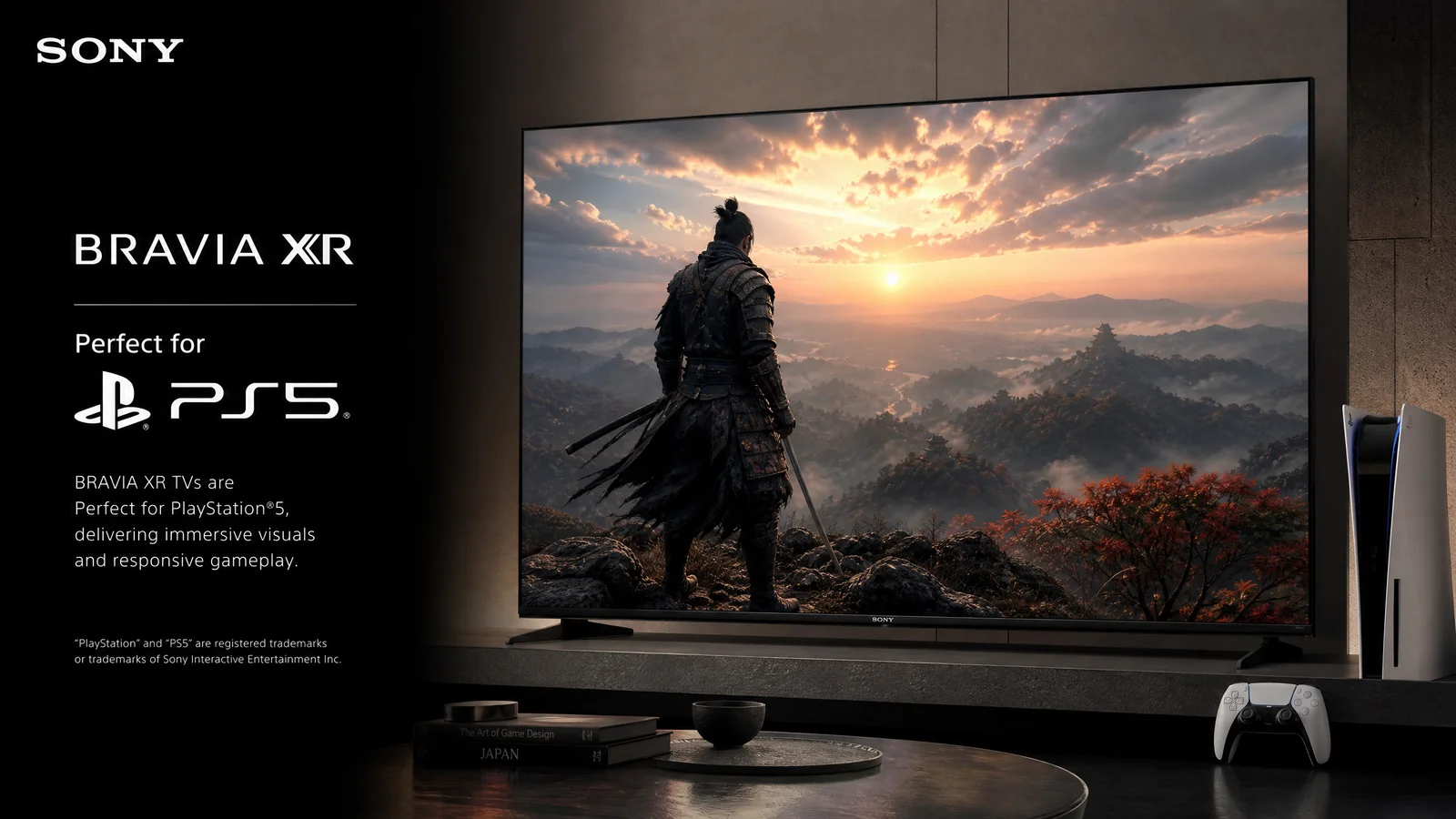
Sony Bravia XR televisions use Sony’s XR processing family to analyze picture and sound elements in a way intended to preserve the creator’s focus. For gaming, the useful question is not the marketing name alone; it is how the exact Bravia XR model handles HDMI inputs, refresh rate, HDR, variable refresh rate, latency, and image processing.
Gaming features to verify
Check the model’s HDMI bandwidth, supported resolution and refresh-rate combinations, VRR and ALLM support, and whether the required features work on every HDMI input. Some capabilities depend on firmware and connected equipment. A console, cable, and TV must all support the same mode before it can be used.
XR processing and game picture
Picture processing can improve upscaled or compressed content, but game mode often reduces processing to keep input response predictable. Compare the TV in its game preset and examine shadow detail, tone mapping, motion clarity, and bright-scene reflections. A television that looks impressive in a movie preset may need different settings for gaming.
HDR and compatibility
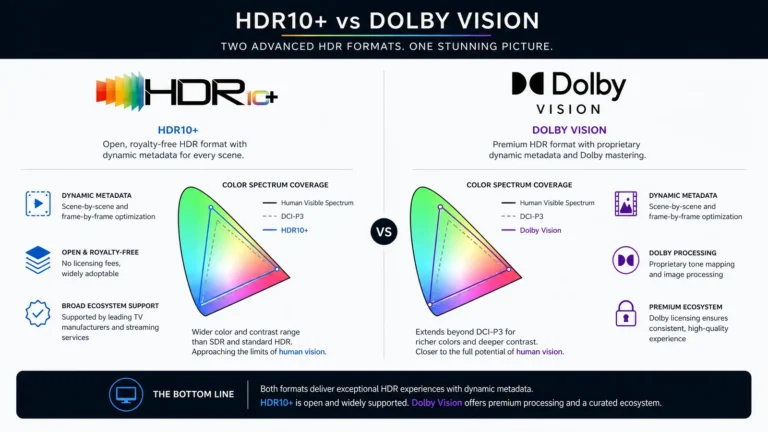
Confirm which HDR formats the TV and console support, then enable the appropriate HDMI signal mode. Use the console’s calibration tool rather than copying a brightness value from another display. HDR results vary with the game, panel, room lighting, and tone mapping, so avoid universal claims about a single “best” setting.
Ports, sound, and setup
Count the devices you connect: console, soundbar, receiver, PC, and streaming box. If the soundbar uses eARC, plan the signal path before installation. Enable Game Mode only where it improves responsiveness, and test audio synchronization after changing HDMI-CEC or eARC settings.
Which gamer is it for?
- Console players: prioritize supported 4K refresh modes, VRR, ALLM, and enough HDMI ports.
- PC players: verify graphics-card output, cable bandwidth, text clarity, and the exact resolution/refresh combination.
- Movie-and-game households: compare the quality of the game preset with the TV’s cinema modes and plan easy switching.
Buying advice
Bravia XR can be an attractive platform for mixed viewing, but the model number matters more than the XR label. Read current exact-model specifications, confirm firmware behavior, and compare independent gaming measurements when available. Do not assume that a premium processor compensates for limited ports or an unsuitable panel for your room.
Related Reading: Vizio SmartCast: Features, Pros, and Cons